Tap, Pay, Relax: Confidence With Apple Pay and Google Pay

Today we dive into Mobile Wallets Made Simple: How Apple Pay and Google Pay Keep Your Card Safe, translating complex security into everyday clarity. You’ll see how tokenization, biometrics, and device safeguards work together, and you’ll gather practical habits that make every tap feel calm, quick, and genuinely protected.

From Plastic to Encrypted Tokens

Instead of passing your actual card number, modern mobile wallets substitute it with a network‑approved token that changes how your details are protected at every step. This shift reduces exposure, frustrates fraudsters, and builds confidence without adding friction, unlocking a safer way to pay that still feels wonderfully familiar.

What Actually Happens When You Tap
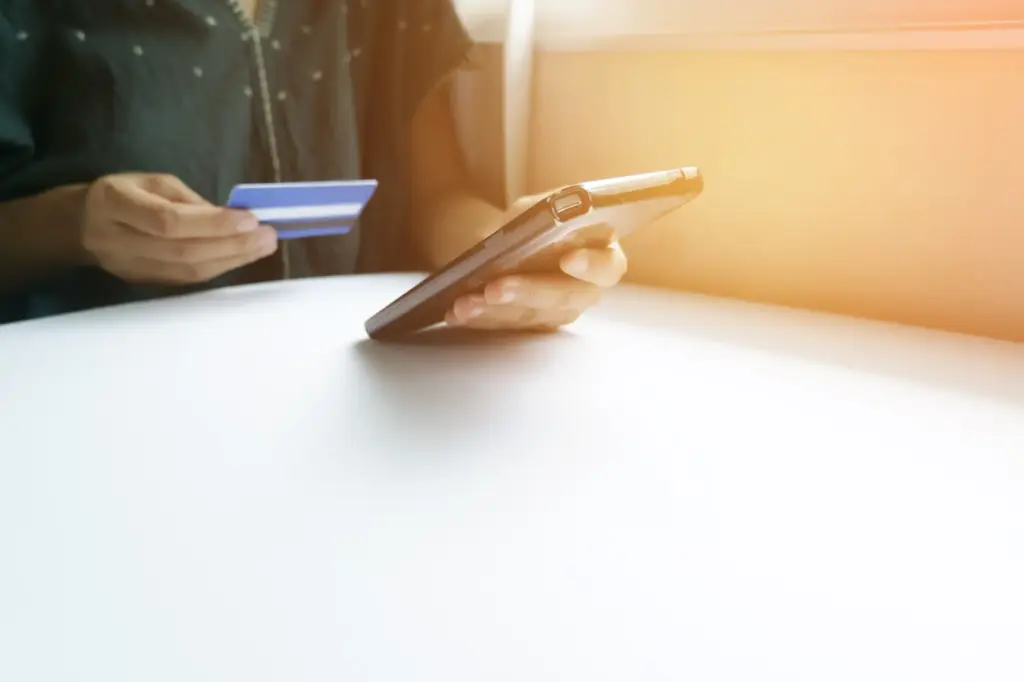
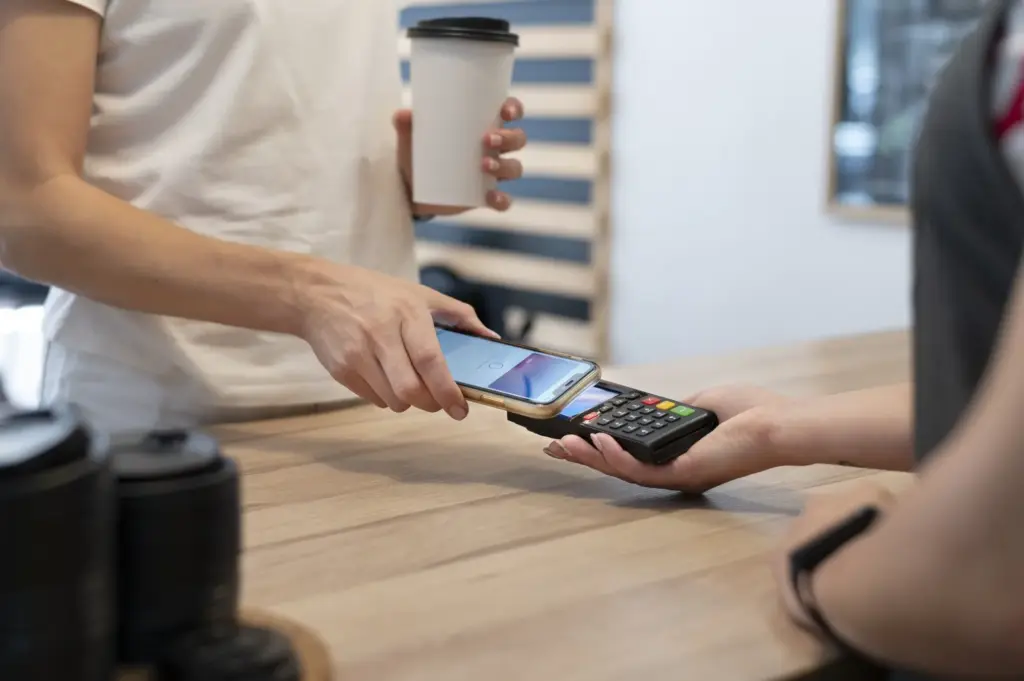
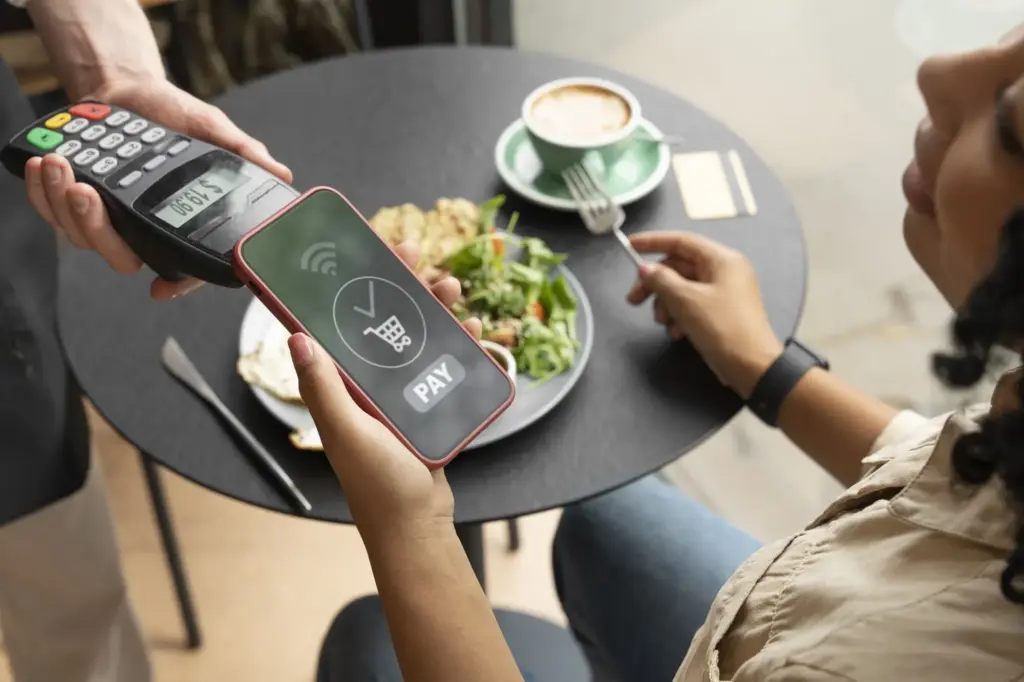
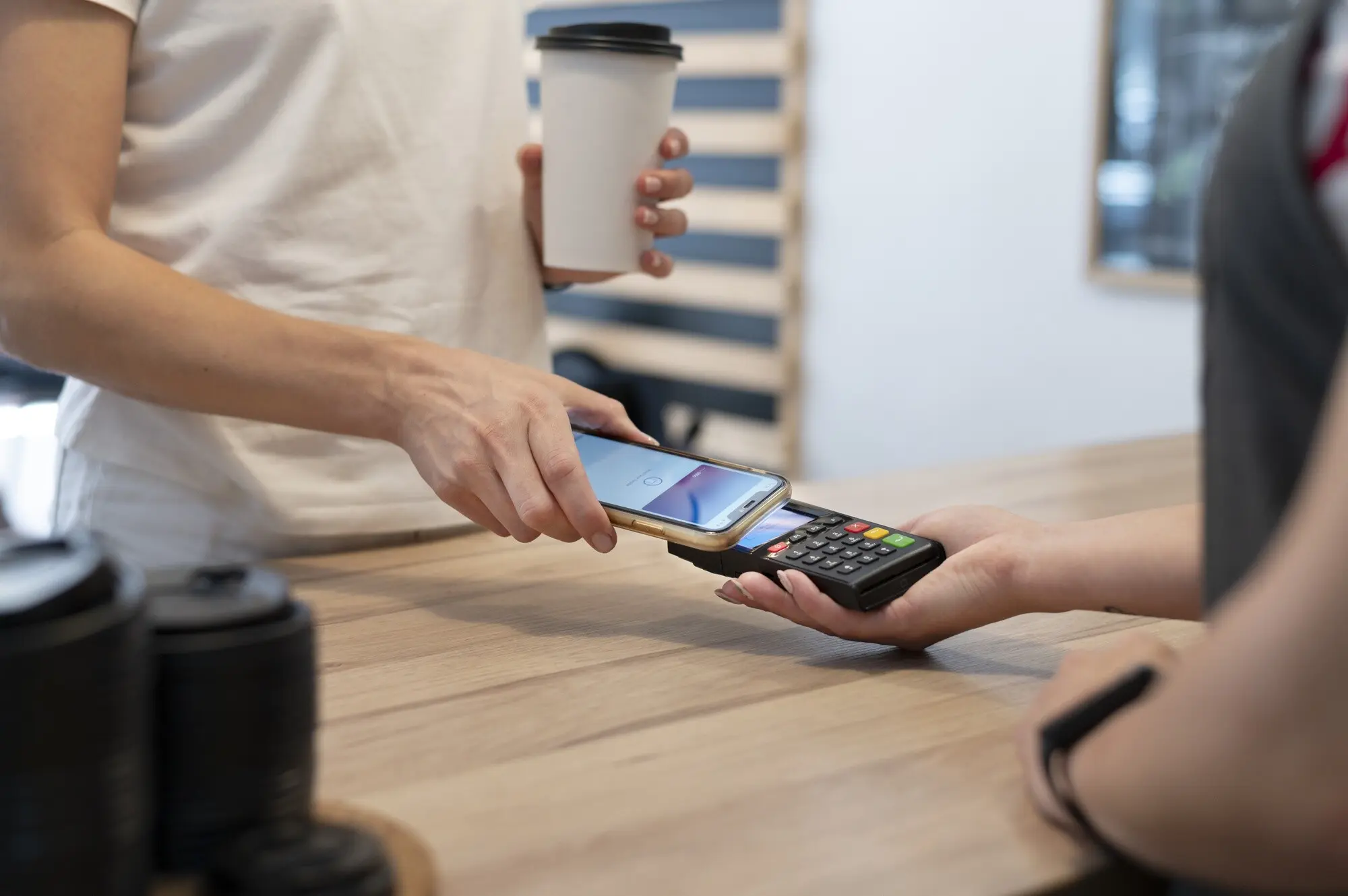
In a blink, your device wakes, confirms you, and whispers a tokenized credential over NFC to the terminal. A fresh cryptogram is generated, the network validates it, and the issuer approves. The flow feels instant, yet beneath the surface, careful choreography ensures authenticity, integrity, and privacy without showing your real card number anywhere.

The Split‑Second Journey

After biometric confirmation, the device and terminal exchange standards‑based messages. Your wallet sends the token and a transaction‑specific signature; the payment network checks it, and your bank evaluates risk. Approval returns, and the terminal beeps. That tiny vibration carries layers of mathematics, certifications, and controls that quietly keep everything trustworthy and efficient.

Merchant Receipts Without Exposed Cards

Receipts and terminal logs show limited, tokenized details, keeping your primary account number private. If a merchant database suffers a breach, tokens and dynamic values provide little reuse value for criminals. You gain the record you need for returns and bookkeeping, while your core credentials remain safely concealed behind network protections and device safeguards.

Offline, Online, and Limits

Some transactions can proceed with brief connectivity gaps because cryptograms are prepped on the device, but issuers still control limits, risk checks, and when online authorization is mandatory. Transit gates often prioritize speed through special rules. The system balances convenience and prudence, aiming to approve genuine purchases while discouraging fraud without slowing you down.

Lock Screen Hygiene

Use a long passcode, enable biometrics, and avoid easily guessed patterns. Update the operating system promptly so patches reach the cryptographic components that guard payments. Disable notifications that reveal sensitive information on the lock screen. These tiny decisions compound into meaningful protection, keeping opportunistic hands and casual glances from becoming costly, stressful incidents.

Lost or Stolen Device Response

If your phone disappears, use Find My iPhone or Find My Device to lock it, locate it, and remotely suspend wallet capabilities. Call your bank if needed to freeze tokens without replacing your physical card. Acting fast limits exposure, but the built‑in safeguards already make unauthorized taps difficult, especially behind biometrics and device controls.

Kids, Friends, and Shared Devices

Consider family settings and separate profiles for shared tablets or phones. Avoid enrolling additional fingerprints that do not need payment access. For peace of mind, limit wallet availability to your profile only. Clear boundaries help everyone tap confidently, while accidental approvals, playful experiments, or well‑meant borrowing never spiral into messy disputes or chargebacks.

Everyday Places It Shines

From grocery lanes to subway turnstiles, tap‑to‑pay thrives where seconds matter. It also excels in apps and browsers, eliminating form‑filling and reducing errors. Wearables extend convenience during workouts or quick errands. Across bustling cities and quiet neighborhoods alike, this flexibility reshapes routines, turning ordinary checkouts into calm, dependable, pleasantly swift moments.

Privacy, Data, and Control

Both platforms minimize exposure of your actual card data, but they differ in how information flows for services and personalization. Notifications, on‑device storage, and issuer settings give you granular control. Understanding who can see purchase metadata helps you adjust preferences so convenience never comes at the cost of surprise data sharing.

Who Sees What

Merchants see tokens and transaction essentials, not full card numbers. Apple positions more processing on‑device, while Google balances ecosystem features with privacy options. Banks and networks get data needed for fraud decisions. You can refine alerts, permissions, and linked services, shaping an experience that feels helpful without feeling watched or unnecessarily profiled.

Managing Cards and Alerts

Set transaction notifications, choose default cards, and enable additional verification when adding new payment methods. If a replacement card arrives, issuers often re‑provision tokens behind the scenes so continuity is smooth. These small controls reduce anxiety, prevent surprise charges, and keep your daily rhythm steady, supported by clear, actionable reminders rather than clutter.

Travel and Acceptance Reality

Acceptance grows globally, but rules vary by country, terminal firmware, and merchant settings. Some places still prefer chip‑and‑PIN, while others embrace tap‑to‑pay everywhere, including transit. Carry a backup card when exploring new regions. Flexibility preserves momentum, ensuring your day stays easy even when local infrastructure surprises you with unexpected limitations or quirks.

Get Started and Join the Conversation
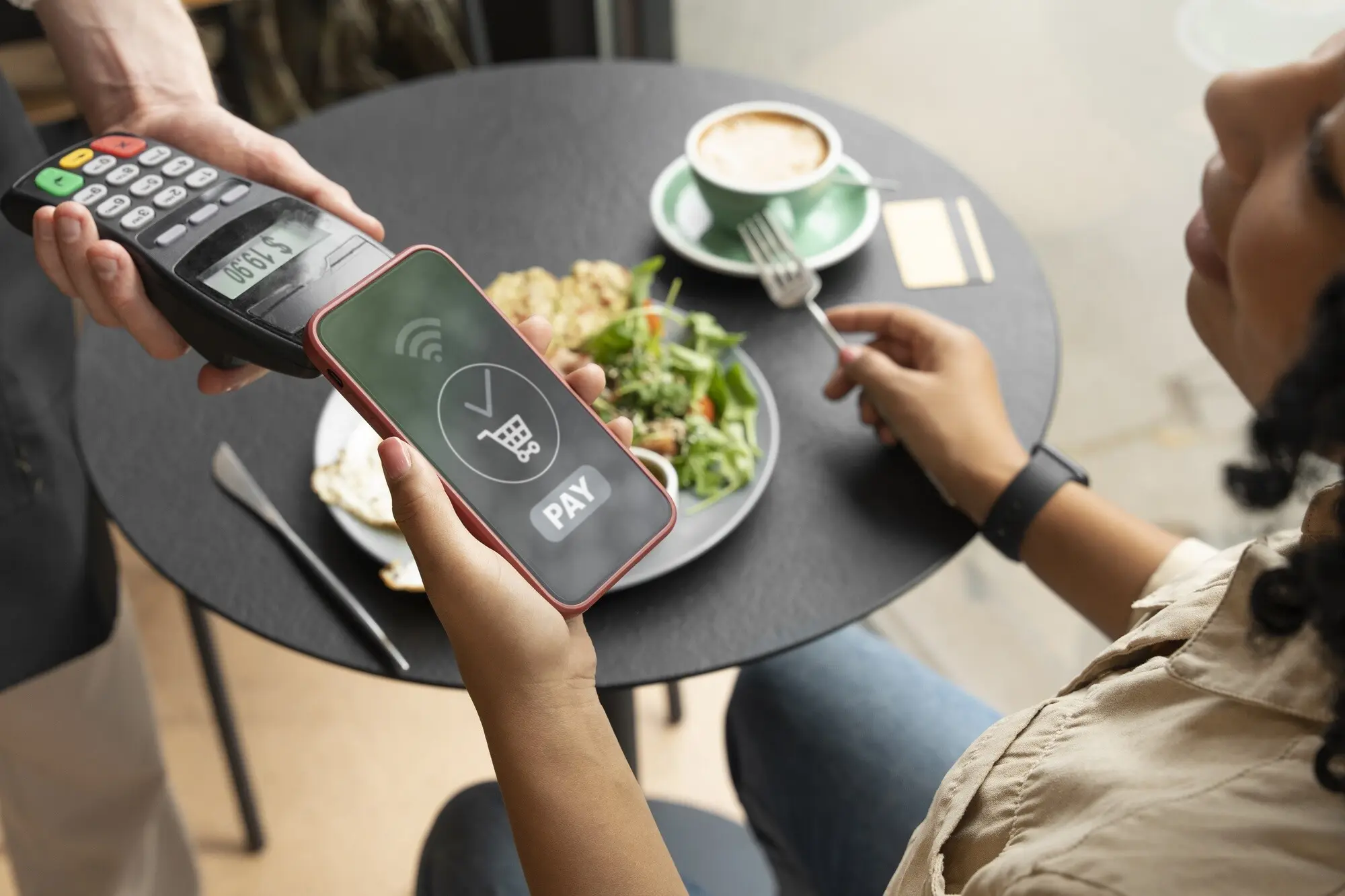
Set up takes minutes: check device compatibility, add a card, verify with your bank, and try a low‑stakes purchase near home. Build confidence with simple steps, then explore transit and online checkout. Share your first tap story, ask questions, and subscribe for future deep dives filled with practical tips, real anecdotes, and clear guidance.
Lorinovivarosirafarixarikavi
Privacy Overview

This website uses cookies so that we can provide you with the best user experience possible. Cookie information is stored in your browser and performs functions such as recognising you when you return to our website and helping our team to understand which sections of the website you find most interesting and useful.